More Data in SERPView: Bing, GA4, Search Type Filter and Extended Storage
Bing Webmaster Tools, Google Analytics 4, the Search type filter and Extended Storage are now available in SERPView. You can see more of your traffic in one place: Bing alongside Google, GA4 engagement and revenue next to your Search Console data, a breakdown by search type in the Filters menu, and up to 5 years of history instead of Google's 16 months.
Key Features:
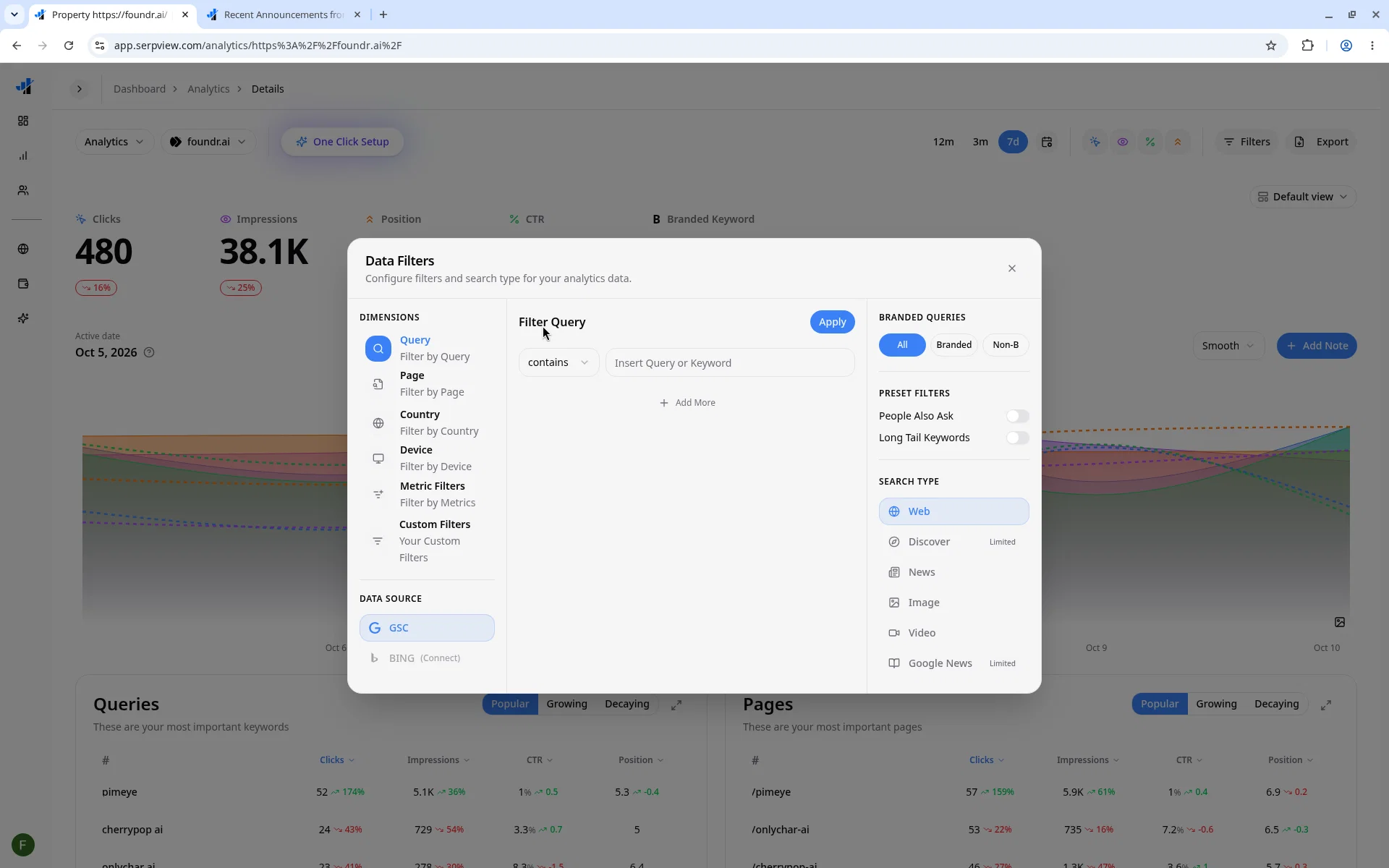
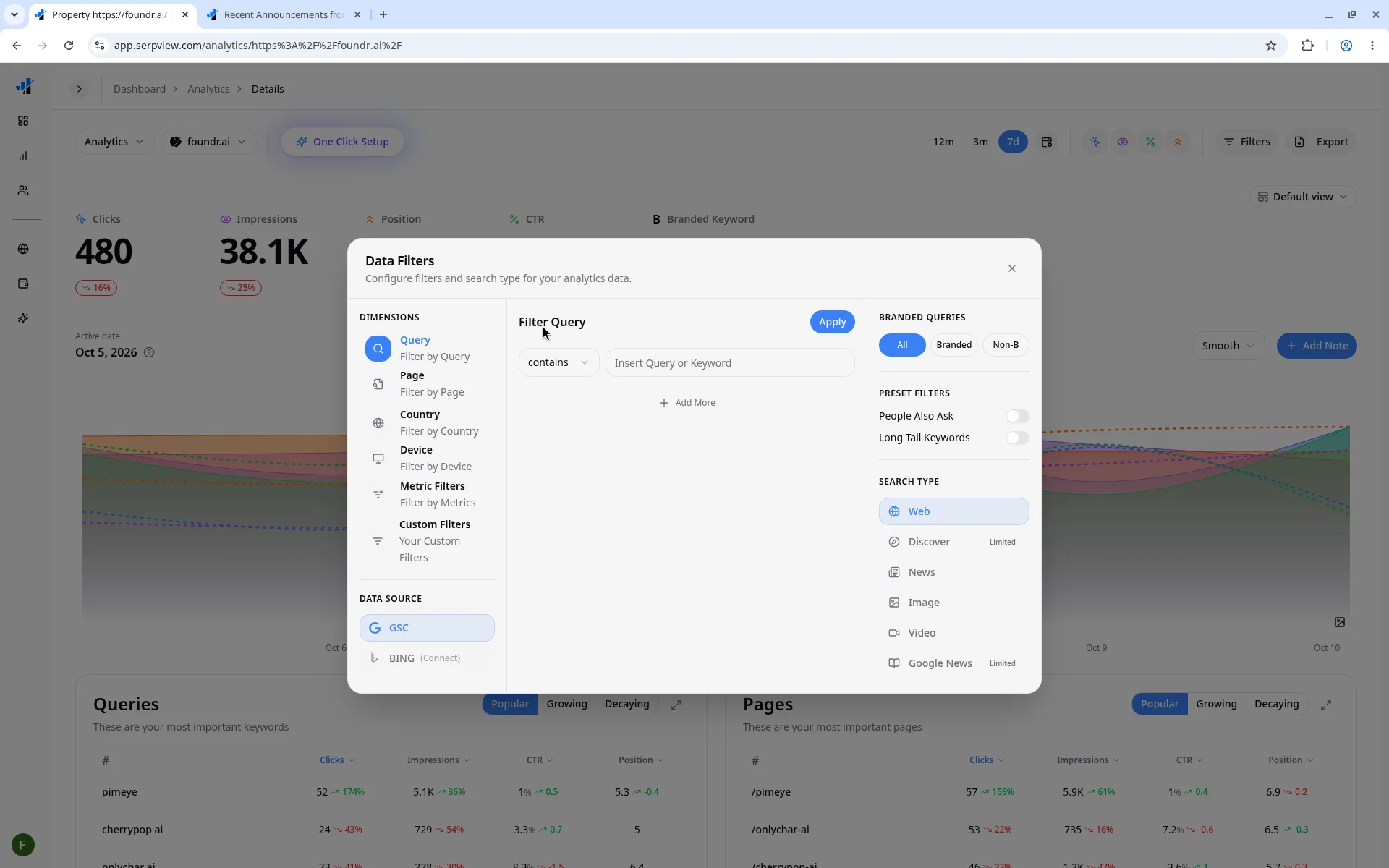
Bing Webmaster Tools Integration: Connect your Bing account to see Bing search queries, impressions, clicks, CTR and positions, plus page-level analytics. Switch between GSC and Bing from the Data Source option in the Filters menu on any property. Bing and Google properties are clearly labeled throughout the dashboard.
Google Analytics 4 Report: Link a GA4 property to any site and get a dedicated GA4 view with Sessions, Users, Engagement Rate, Key Events and Revenue. It also includes tables for Landing Pages, Source / Medium, Countries and Devices, and a country map. You can export the tables to CSV or PDF.
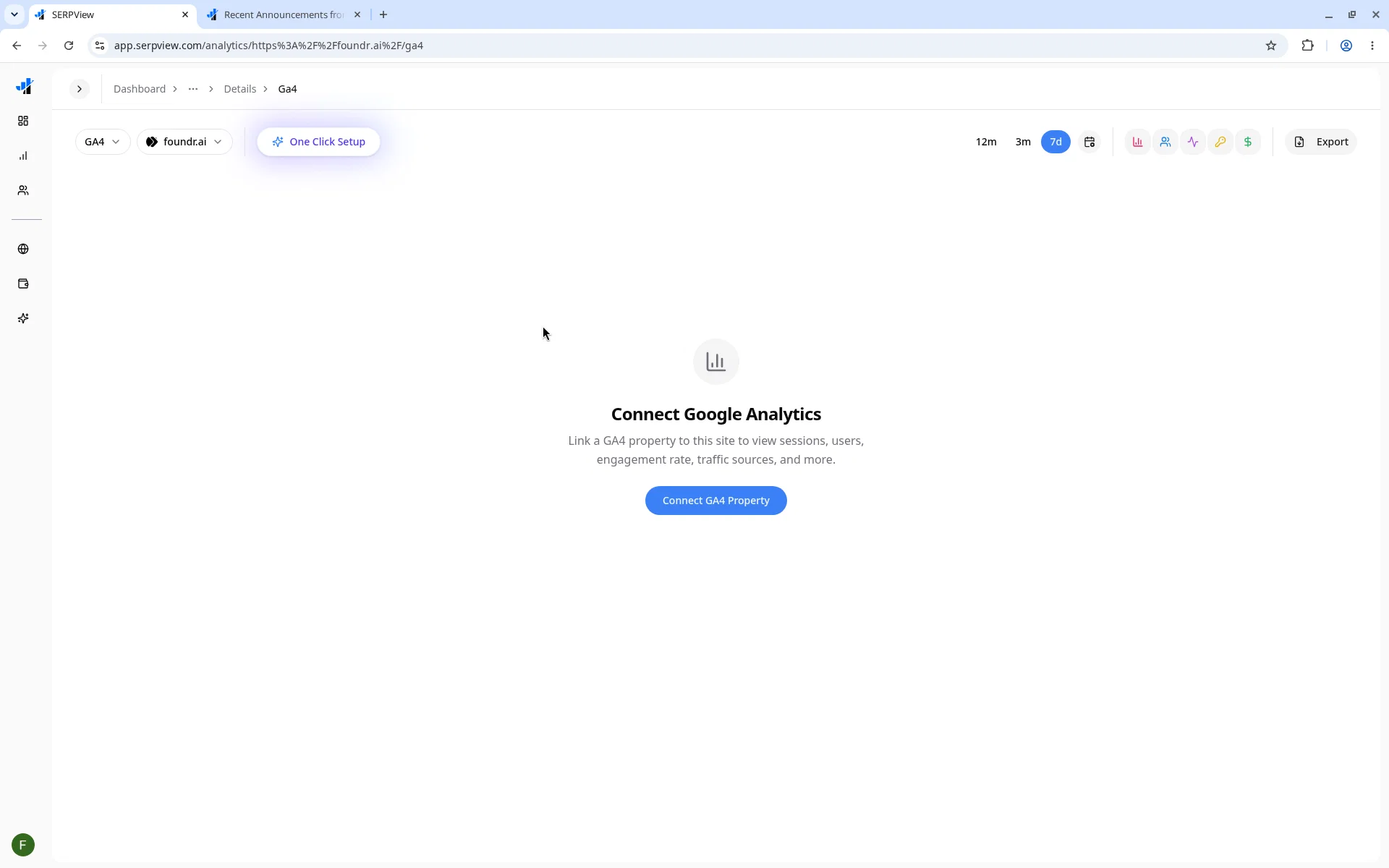
Search Type Filter: Filter your Search Console data by Web, Image, Video, News, Discover and Google News. Discover and Google News are marked "Limited": query filters & position metrics are unavailable for this type.
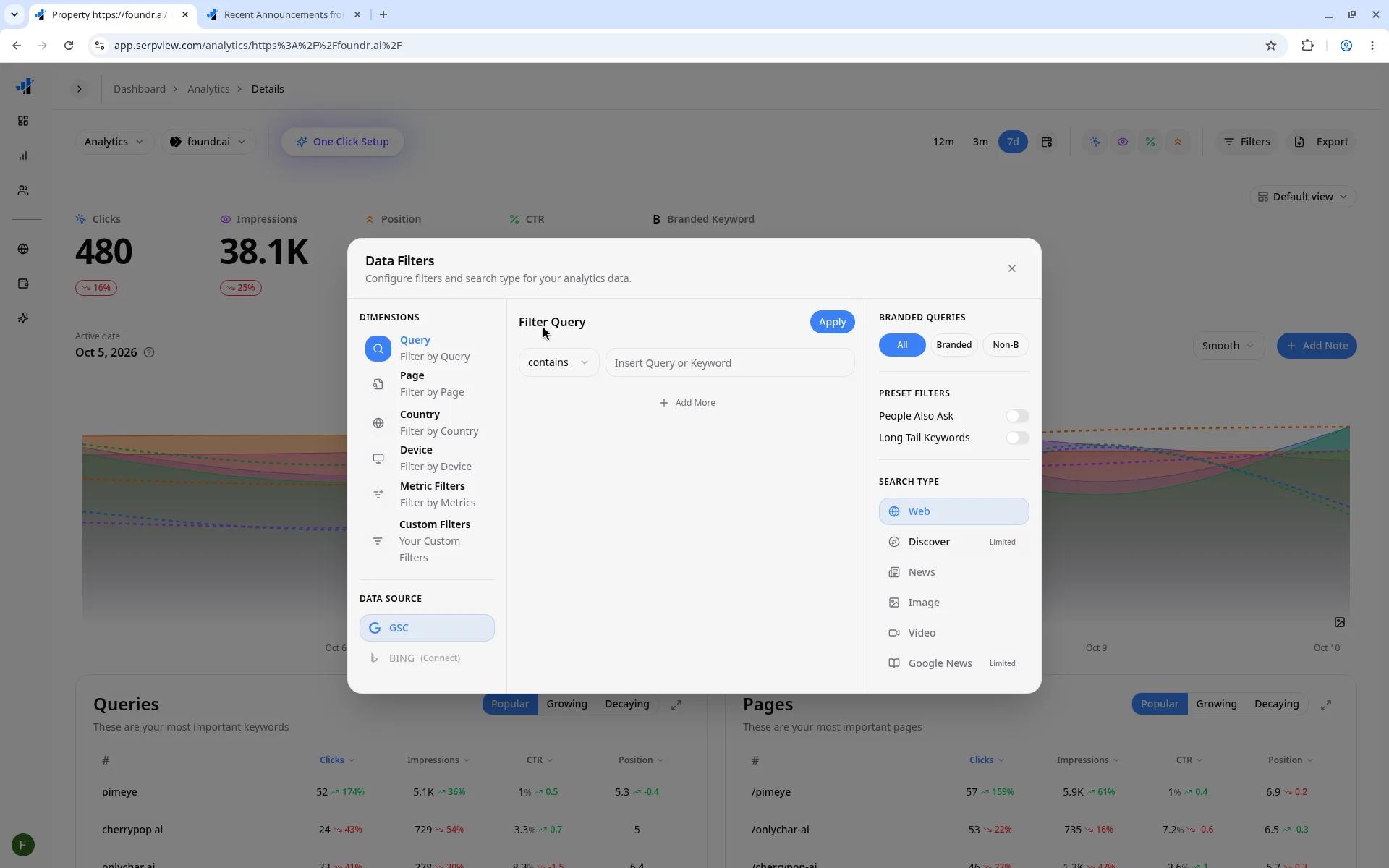
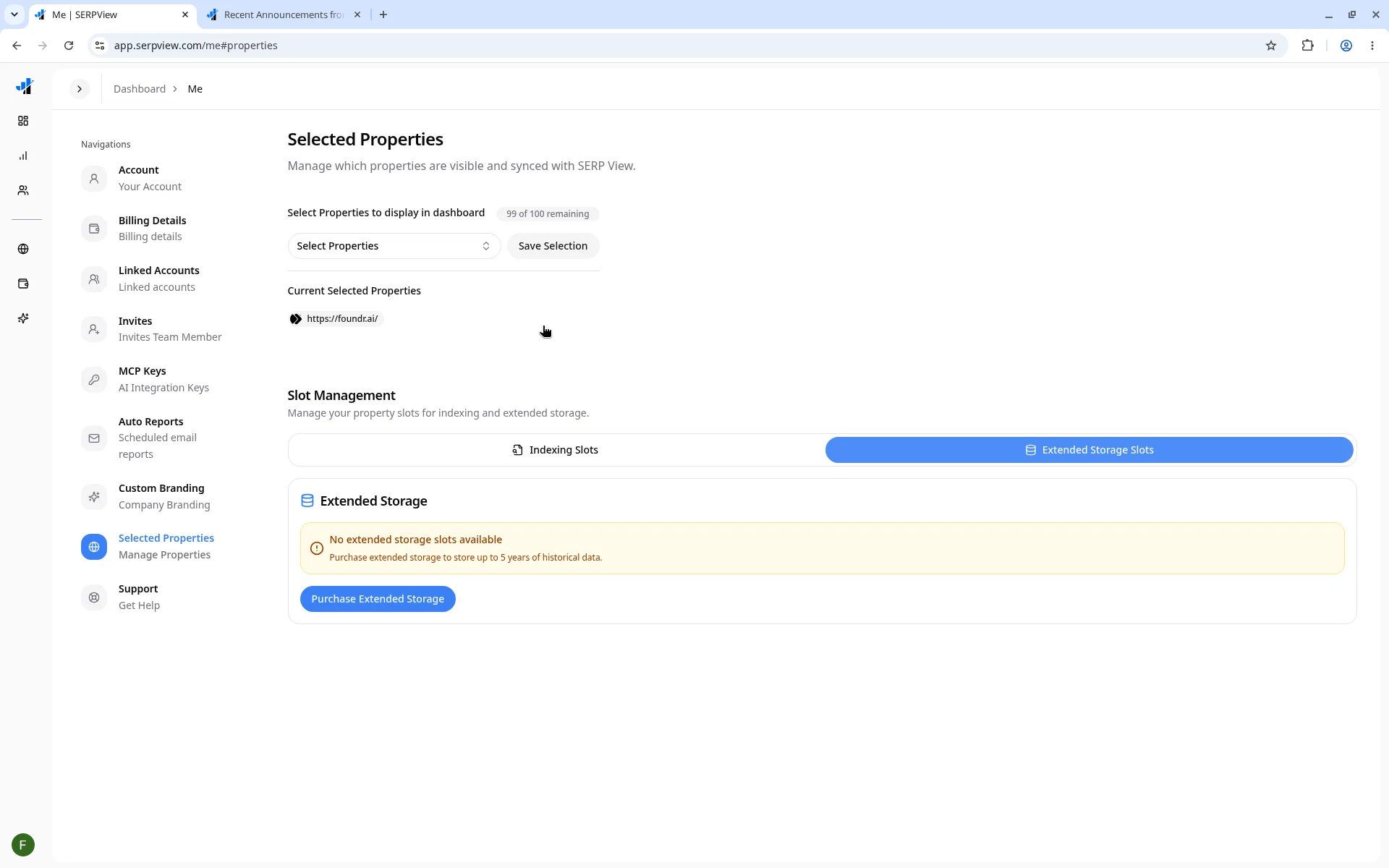
Extended Storage: Google Search Console only keeps 16 months of data. Extended Storage is available as an add-on from Billing and keeps up to 5 years of history for a property, so you can compare long-term trends that GSC no longer shows. When you assign a property, its history backfills automatically.
How to Use It:
Bing:
- Go to your account's Linked Accounts
- Click + Add Account → Bing Webmaster Tools ("Connect your Microsoft account")
- Open a property, click Filters → Data Source → BING
GA4:
- Open any property in your dashboard
- Click the Analytics dropdown → GA4
- Click Connect GA4 Property and pick the matching GA4 property
Search type filter:
- Open any property → click Filters → choose Search type
- Pick Web, Image, Video, News, Discover or Google News
Extended Storage:
- Go to Billing and add Extended Storage
- Go to Selected Properties and assign a property to your slot
- Your history backfills automatically, and the date filter then goes back up to 5 years
We look forward to your feedback!